

Most people find a contractor the same way. Something breaks, leaks, sags or grows where it shouldn't, and they pull out a mobile device and search. Within a few seconds of landing on your website, they decide whether to call you or hit the back button and try the next company. That's the whole job of a contractor website: make the decision to call you easy.
Our team builds websites for contractors and outdoor service companies around Austin, including fence builders, dock builders, roofers and tree services. The trades are different, but the pieces that bring in calls are remarkably consistent. Here's what a contractor website should include, why each piece matters, and the mistakes we see most often when we redesign an older site.
A Phone Number You Can Tap From Anywhere
Most of your visitors are on a mobile device, and many of them want to talk to a person, not fill out a form. Your phone number should sit in the header on every page as a tap-to-call link, so it's never more than a thumb away. On longer pages, repeat it near the sections where people make up their minds, like right after your services or your reviews.
The common mistakes are easy to fix: a number that only appears in the footer, a number inside an image (which can't be tapped and can't be read by Google), or different numbers on different pages. If you use call tracking, use one tracking number consistently instead of a mix.
Clear Services and the Areas You Serve
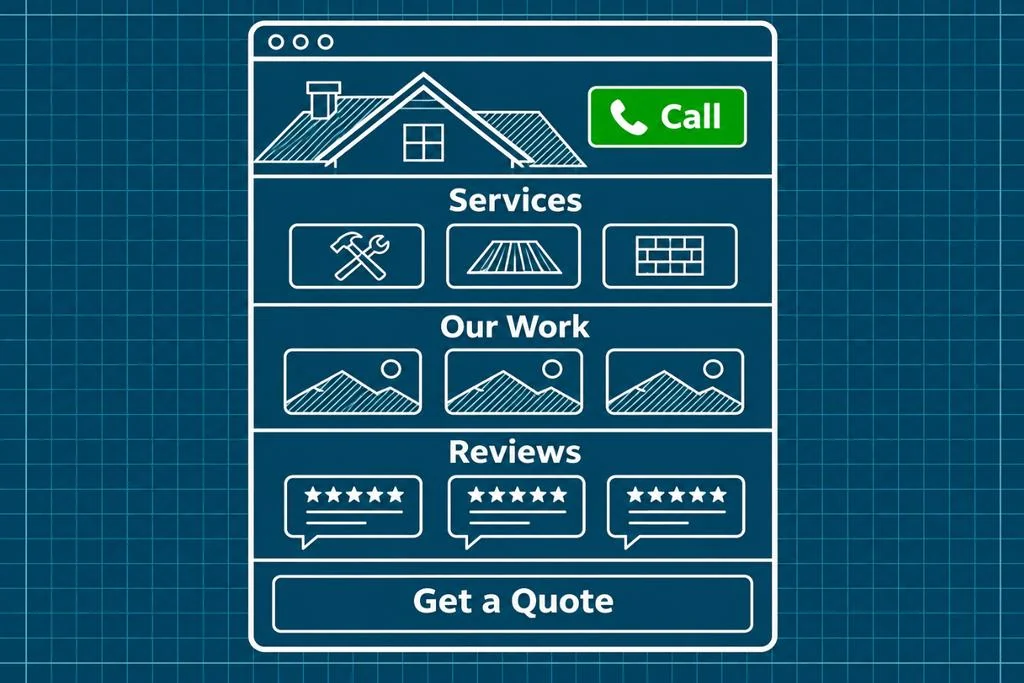
A homeowner needs to confirm two things quickly: you do the job they need, and you work where they live. Give each main service its own section or page with a plain description of what's included and what the process looks like. Then say clearly which areas you cover, whether that's Round Rock and Pflugerville, the lakes west of town or all of Central Texas.
Lone Star Docks is a good example. Their customers think in terms of the water they live on, so the site has pages for Lake Austin, Lake Travis and Hill Country docks, along with marina construction, each boat lift brand they install and dock accessories. A visitor finds their lake and their product in a click or two.
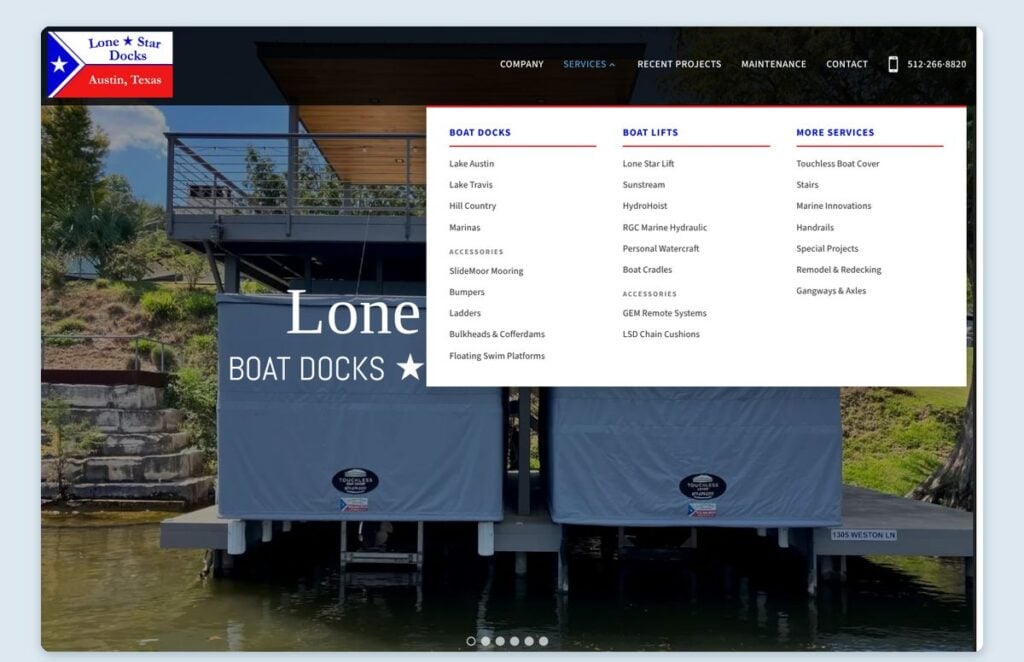
Lone Star Docks: services menu on desktop
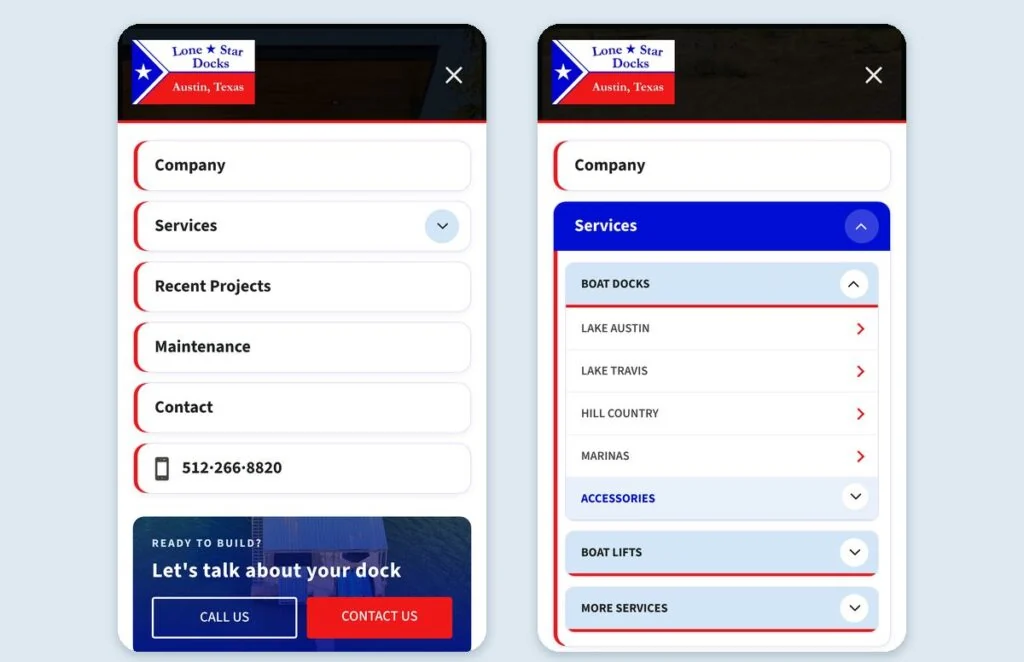
The same menu on a mobile device
What to avoid: dozens of thin city pages with the same text and a different town name swapped in. Search engines treat those as low value, and customers can tell. If you build service area pages, each one should have something real on it, such as projects in that area or details specific to it.
Photos of Your Real Work
For a contractor, past projects are the best sales pitch you have. A gallery of real jobs shows the quality of your work, the kinds of projects you take on and that you're an actual local company. Stock photos of smiling models in hard hats do the opposite.
You don't need a professional photographer for every job. Clear, well-lit photos taken on a recent mobile device work well, especially before-and-after pairs. Prestige Fence & Deck has an Our Work gallery for exactly this reason, and Lone Star Docks goes a step further with drone video of their docks and a virtual walkthrough of a Lake Austin dock built into the site. Keep the gallery current, and make sure images are sized properly so they don't slow the page down.
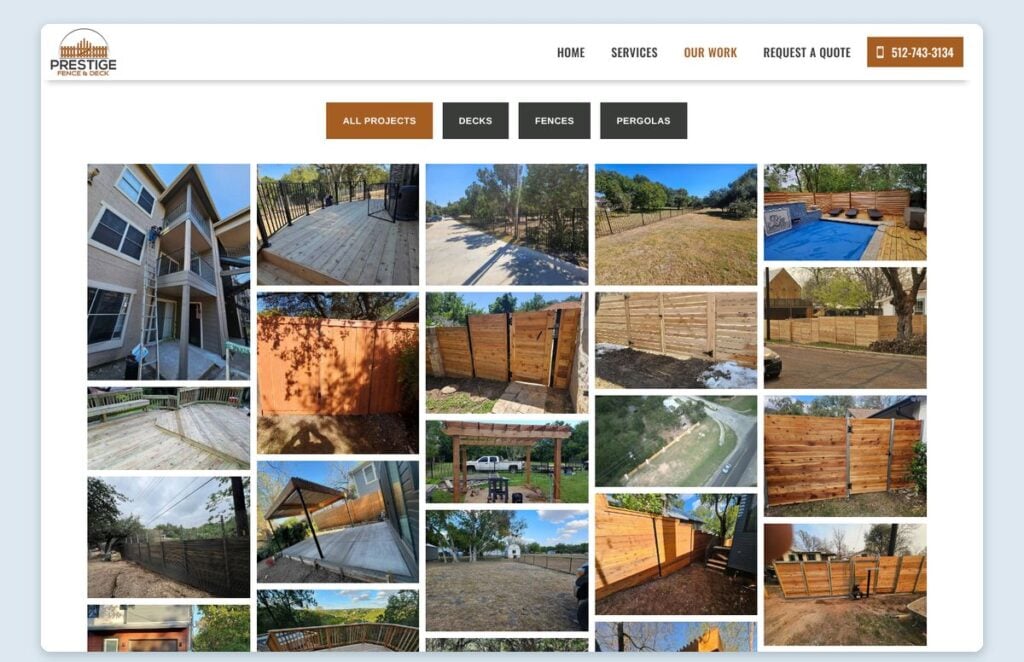
Prestige Fence & Deck: Our Work gallery
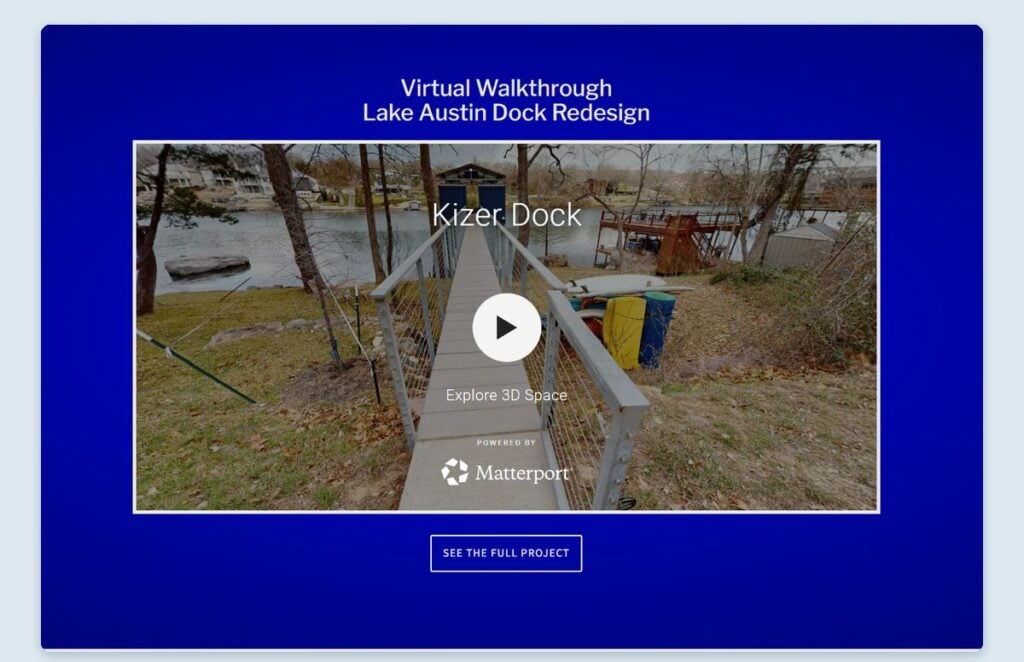
Lone Star Docks: Lake Austin dock virtual walkthrough
Reviews and Proof Near the Call Button
People trust other customers more than they trust your marketing copy. Put a few real Google reviews where people make decisions: on the homepage, near your quote form and on key service pages. Short quotes with the reviewer's name work better than a separate testimonials page nobody visits.
Proof goes beyond reviews. If you're licensed, insured, certified or offer a warranty, say so plainly. Just Trees, for example, provides ISA certified arborist services, and that credential belongs up front because it answers the question a homeowner is already asking: can I trust these people with a tree next to my house? Never invent reviews or badges. A real review with a typo beats a polished fake one every time.
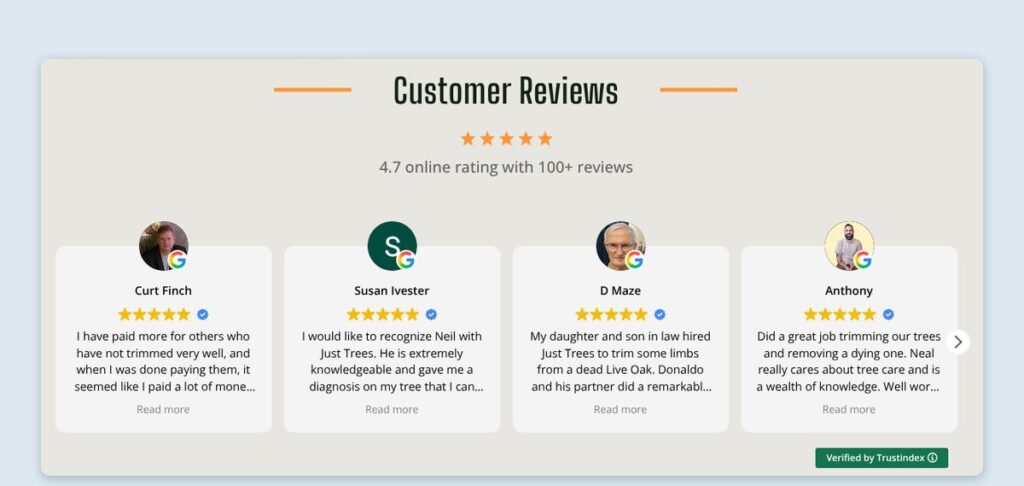
Just Trees: real Google reviews on the homepage
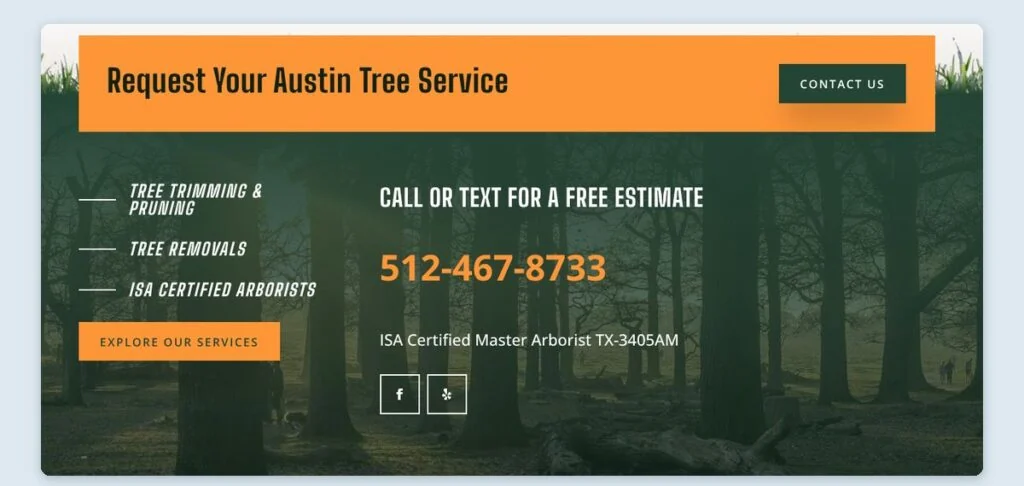
Just Trees: ISA certification shown up front
A Quote Form That Actually Reaches You
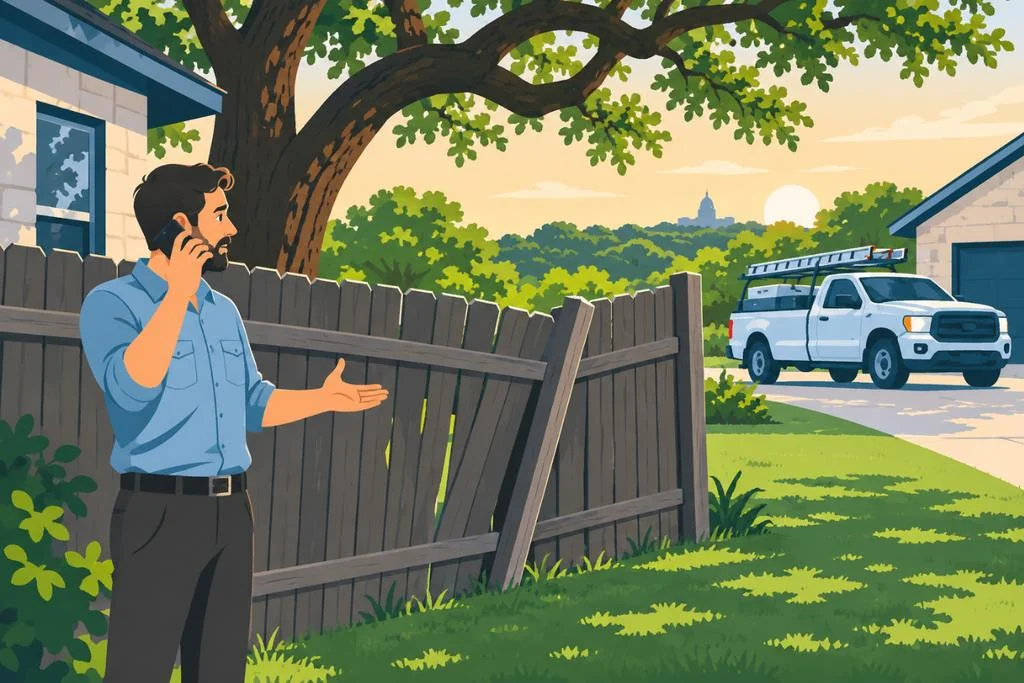
Not everyone wants to call. Some people browse at night or at work, and a quote form lets them reach out on their own time. Keep it short: name, phone number, email, the service they need and a message box are usually enough. For trades where it helps, let people upload a photo of the problem so you can size up the job before you call back.
Then make sure the form actually works. On older contractor sites we often find forms that send to an old email address, land in spam or quietly stopped working after an update. Test the form after any change, send leads to an inbox someone checks every day, and show a clear confirmation so the customer knows it went through. When we redesigned the Just Trees site, we put a free estimate form right up front instead of burying it on a contact page.
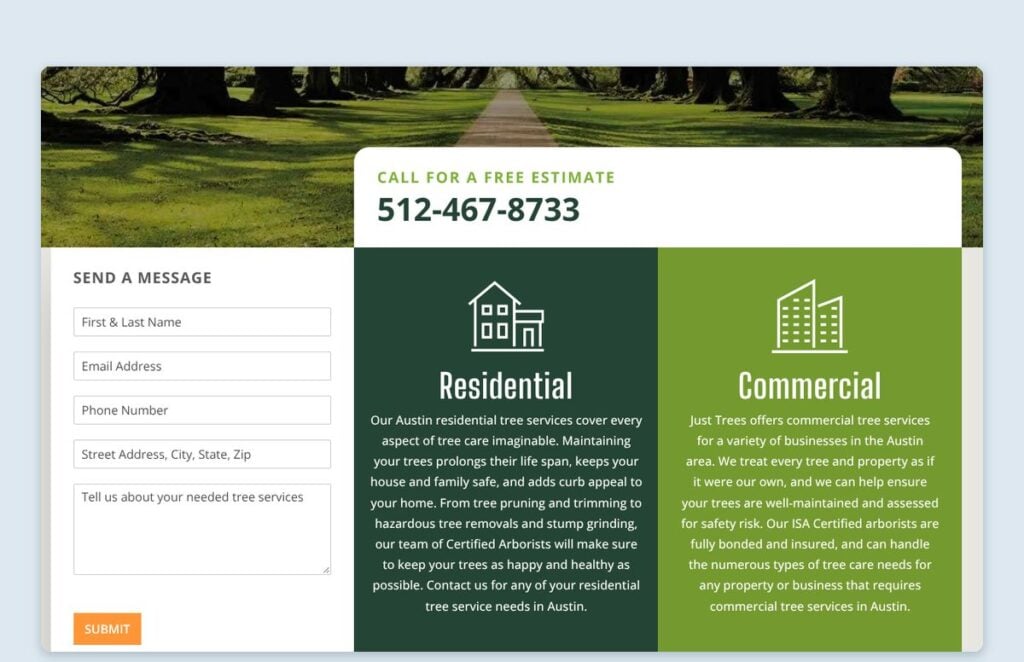
Just Trees: estimate form right below the hero
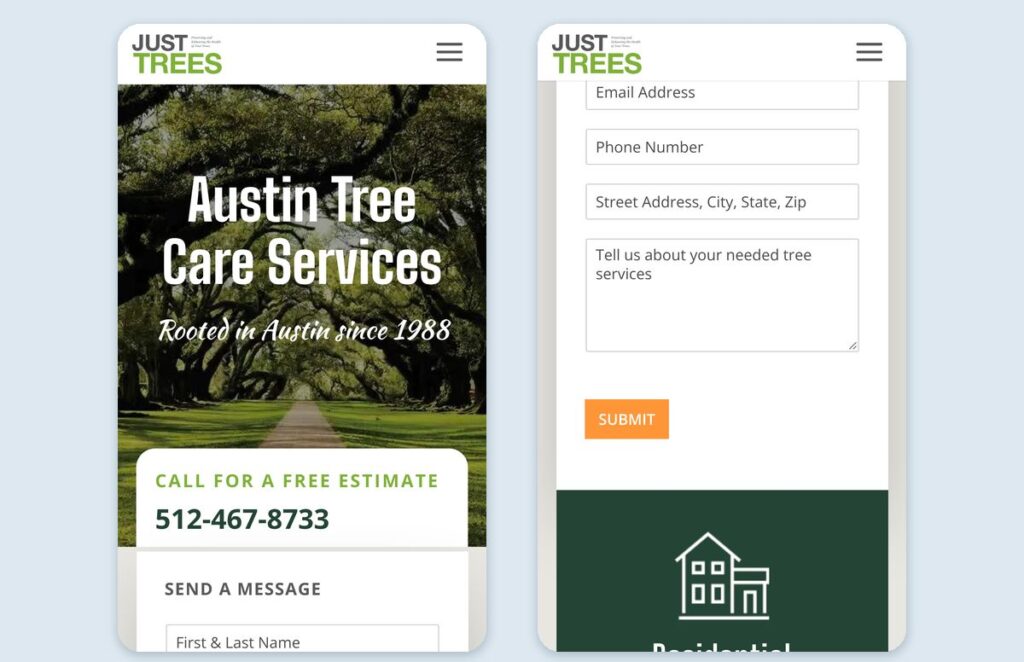
The same form on a mobile device
Fast Loading on a Job-Site Connection
Your customers aren't always on fast Wi-Fi. They may be standing in the backyard looking at a broken fence on a spotty cell signal. A slow site loses those visitors before they ever see your number. Oversized photos, too many plugins and cheap hosting are the usual causes. If your site feels sluggish, our article on why a WordPress website is slow walks through the common fixes, and our website speed optimization service covers what we do about it.
The Basics That Help You Get Found on Google
A contractor website works best alongside a complete Google Business Profile. Make sure your business name, address or service area and phone number match exactly across your website, your Google profile and the directories you're listed in. Dedicated service pages help Google understand what you do, and a link from your Google profile to your website ties the two together.
Every website we build launches with foundational SEO in place: clean page titles and descriptions, a sitemap and the site set up to be indexed. Ranking well in a competitive trade takes ongoing work after launch, but a well-built site gives that work something solid to stand on.
A Quick Contractor Website Checklist
Many of these overlap with what makes a great small business website, but contractors have a few needs of their own. Here's the short version to check your current site against:
- A tap-to-call phone number in the header on every page
- A clear page or section for each main service
- The towns and areas you serve, stated plainly
- A gallery of real project photos
- Real reviews near your call button and quote form
- Licenses, insurance, certifications and warranties shown clearly
- A short quote form that's been tested and goes to an inbox someone checks
- Fast loading on a mobile device
- Matching business name, address and phone number on your website and Google Business Profile
- A clear next step on every page
Final Thoughts
A good contractor website isn't complicated. It answers a homeowner's questions in the first few seconds, shows real proof that you do good work and makes contacting you effortless. If your current site is missing several items on this list, it's probably costing you calls you never hear about.
If you'd like help, our team builds custom websites for contractors and home service companies across Central Texas. See how we approach it on our contractor website design page, or browse recent projects in our client portfolio.
Frequently Asked Questions About Contractor Websites
What is the most important thing on a contractor website?
The most important thing on a contractor website is an easy way to contact you, which usually means a tap-to-call phone number at the top of every page. Most visitors arrive on a mobile device with a problem they want solved, and many would rather call than fill out a form. After that, real project photos and genuine reviews matter most, because they show you do good work and that other customers trust you. A polished design that hides the phone number will lose calls to a plainer site that gets these basics right.
How many pages does a contractor website need?
Most contractor websites work well with somewhere around 6 to 15 pages, depending on how many services you offer and how many areas you cover. A typical setup includes a homepage, a page for each main service, a project gallery, an about page and a contact or quote page, with reviews worked into the pages people visit most. Companies with many services, like a tree service that handles trimming, removal and disease treatment, benefit from more pages. What matters is that each page has a clear purpose and real content, not a specific page count.
Should a contractor list prices on their website?
Listing exact prices rarely makes sense for contractors, because most jobs depend on size, materials, site conditions and access. A fence or dock quote can change a lot based on details you only learn on site. What helps is explaining what affects the cost, sharing typical starting points if you're comfortable with that, and describing how your quote process works. That sets expectations, filters out poor-fit leads and makes people more comfortable reaching out. If you do publish numbers, keep them current so they don't create surprises later.
Does a contractor website need a blog?
A contractor website doesn't need a blog to bring in calls, but helpful articles can support your search visibility over time. The best content answers questions your customers actually ask, such as how long a wood fence lasts in Texas heat or what to do about oak wilt. A short resources section can do the same job. If you won't keep a blog updated, skip it, because a blog with three posts from years ago looks worse than none. Strong service pages and an up-to-date project gallery should come first.
Is a phone number enough, or does a contractor website need a quote form?
A contractor website should have both a phone number and a quote form, because customers prefer different ways to reach out. Many people call when a problem is urgent, while others browse at night or during work and would rather send a short request. A simple form with a few fields, plus a photo upload where it helps, captures those leads. The key is making sure submissions reach an inbox someone checks every day, and testing the form after every site update so leads don't quietly disappear.
Should a contractor use Wix or WordPress?
For most contractors who plan to grow, WordPress is the stronger long-term choice, because it gives you more control over design, speed, SEO and how leads are handled. Wix and similar builders can work for a very simple site, but they tend to feel limiting as you add services, service areas and project galleries. The right choice also depends on who will maintain the site. Our comparison of custom WordPress vs website builders covers the tradeoffs in more detail.